
Storyboarding
When creating a video, a crucial step before you start shooting is storyboarding. A storyboard is a series of blank boxes where you illustrate each scene in sequential order. Under each blank box you write out the line of script that corresponds to the scene.
Here is Martin Scorsese’s story board for “Taxi Driver.”
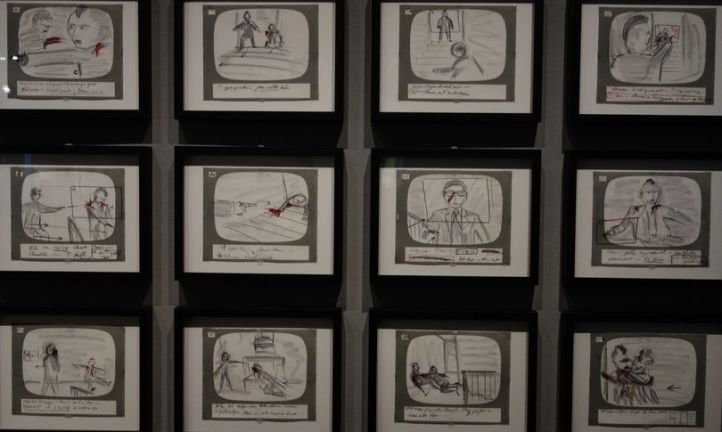
Storyboards can be very easy to do and depending on how in-depth you want them to look, you can simply sketch out several boxes on a piece of paper, creating your own template and hand write the script copy underneath each box.
Storyboarding Digitally
If the old fashion way doesn’t appeal to you, there are many software programs and apps that allow users to storyboard digitally.
Here are the top software programs in 2017:
- Moviestorm– For the non artist. Drag and drop objects from your gallery to create the scene. 14 day free trial! ($225)
- Frameforged– Allows you to use objects and characters to build your scene. Also gives you the option to select what type of camera, lighting and sun positioning you will need for your scenes. (Free trial)
- ShotPro (iOS) – For the iPad users. You can scan real pictures and create 3D objects for your scenes. ($39)
- Storyboard Quick– Boosts quick fast and easy. Gives you customizable built-in characters, backgrounds and props. Also allows you to import your own images. ($190)
- Storyboard Fountain (Mac) – Sleek, simple, modern look, and free!
- Storyboard That – Allows you to pick physical features for your characters, like eyebrows and jaw shape to build them digitally. ($15/month)
- Toon Boom Storyboard Pro – Tailored for the commercial storyboard creator. ($58/month)
- Boardo – After Effects plug in tool. ($30)
- Procreate 4 (See below)
Procreate 4
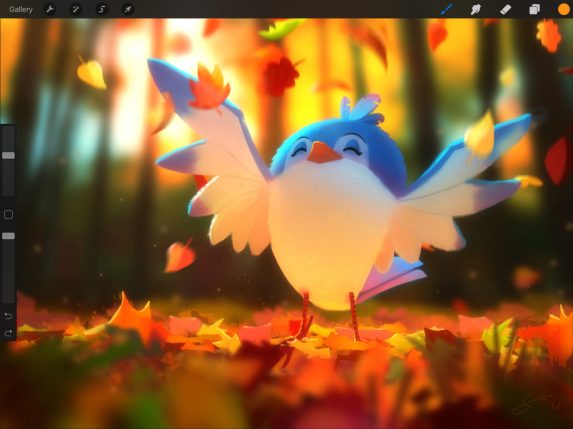
For those that have some artistic talent with a pencil or brush, we really love the idea of using Apple’s Procreate 4. With the ability to use on your iPad, this app will cost new users $9.99.
Illustrators say this program beats out most of the competition.
It’s easy to use, allows you to control great detail in your scenes. Because this is an illustration platform, you would just need to upload a storyboarding template, and you can create your sketches directly on the screen. There are tons of storyboard templates available for free online. Like this one.
The Sketch Tool
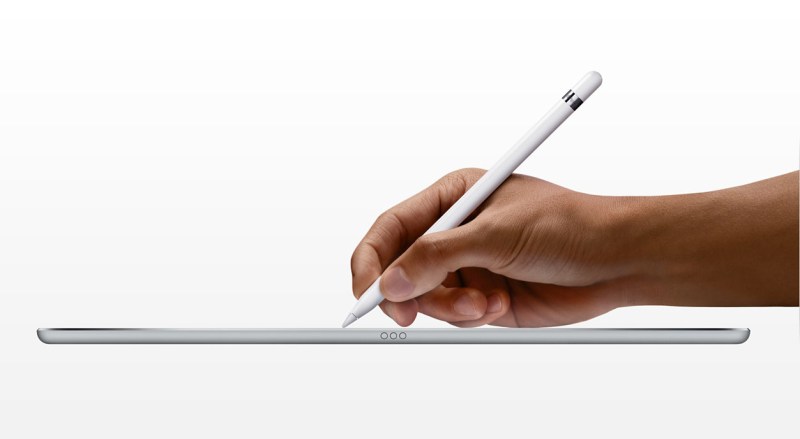
With a lot of these program, you will need a sketching tool. Our pic is Apple’s Pencil.
Completing your Storyboard
After you’ve got your storyboard down, now you need to location hunt!
Check out our article A Film Permit Guide for the biggest cities in the U.S.to make sure you have the right paperwork and know the laws and regulations before your shoot day!

 ROYAL PIRANHA